
Asking questions about your medications shouldn’t mean playing phone tag or waiting days for a callback. With secure messaging, you can get clear answers directly from your care team-without risking your privacy. This isn’t just convenient. It’s safer, more accurate, and now the standard for non-urgent medication concerns in U.S. healthcare.
Why Secure Messaging Is the New Normal for Medication Questions
In 2025, over 87% of U.S. healthcare systems use secure messaging platforms to handle patient questions about prescriptions. That’s up from just 63% in 2020. Why? Because unsecured text messages, emails, or even phone calls are risky. In 2024 alone, 72% of healthcare data breaches came from unencrypted communication. That’s why HIPAA now requires all electronic health information-including medication details-to be sent through encrypted, audited channels. Platforms like Epic’s MyChart, Cerner, and My HealtheVet process millions of medication-related messages every day. These aren’t just chat apps. They’re integrated with your electronic health record. That means your provider sees your full medication history, allergies, and lab results when they respond. No guessing. No miscommunication. And the results? Studies show a 37% drop in medication errors when patients use secure messaging instead of calling. That’s because everything is documented, searchable, and clear.What Counts as a Medication Question?
Secure messaging works best for non-urgent issues. Here’s what you can ask:- "What’s the right dose for this pill?"
- "I’m having side effects after starting this med. Should I stop?"
- "Can I refill my prescription early?"
- "Is this generic the same as my old brand?"
- "Do I take this with food or on an empty stomach?"
How to Set Up Secure Messaging for Medication Questions
If you’ve never used it before, here’s how to get started:- Add your medications to your health record. Log into your provider’s patient portal (like MyChart or My HealtheVet). Go to "Health Records" > "Medications & Allergies." Add every prescription, over-the-counter pill, vitamin, or supplement you take. This step cuts medication errors by 37%.
- Find the secure messaging tool. Look for tabs labeled "Secure Messaging," "Message Your Care Team," or "Medications." Don’t use regular email or text-it’s not safe.
- Select the right category. Most portals let you choose a message type. Pick "Medication Question" or "Prescription Request." This sends your message to the pharmacy team, not your general provider. It speeds up your response.
- Write your message clearly. Include:
- The exact medication name (brand and generic, if you know it)
- Dosage (e.g., 10 mg)
- How often you take it (e.g., once daily)
- Your specific question
- Any context (e.g., "I started this last week," or "I took it with alcohol and felt dizzy")
- Attach a photo of the pill bottle. If you’re reporting a side effect or confused about the pill, take a picture of the label. 85% of platforms support this. It eliminates guesswork.
What Happens After You Send the Message?
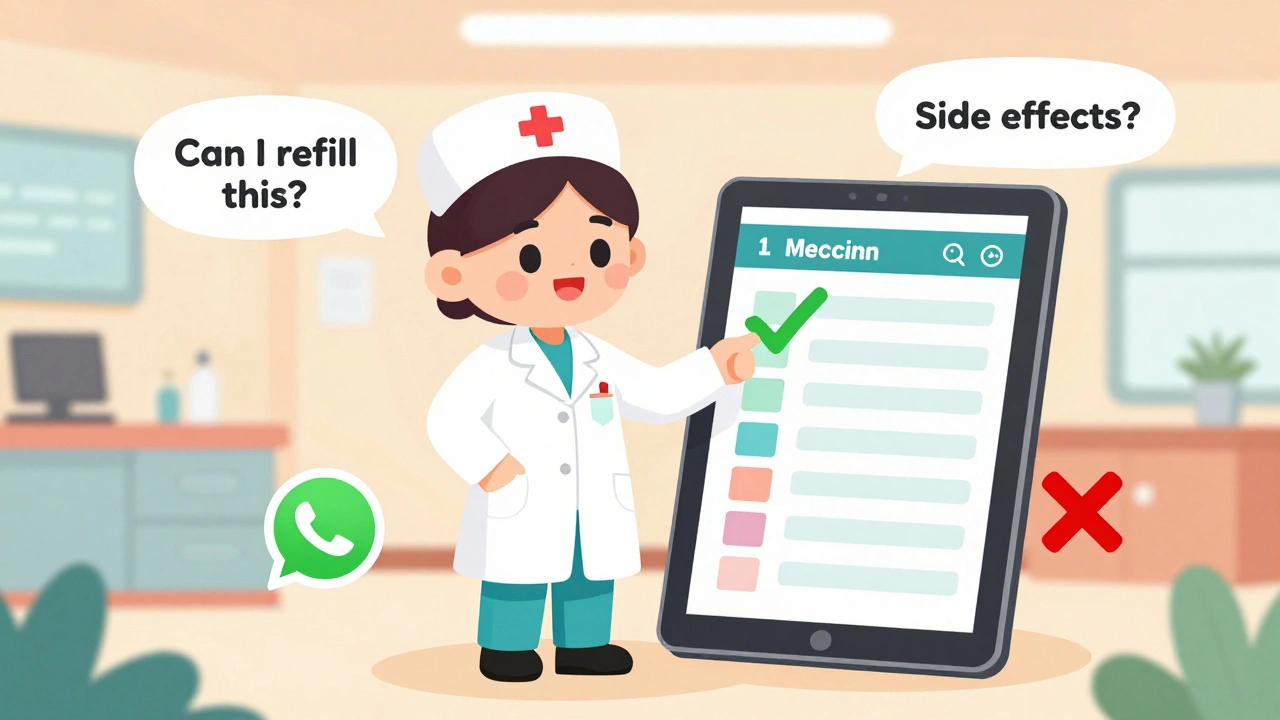
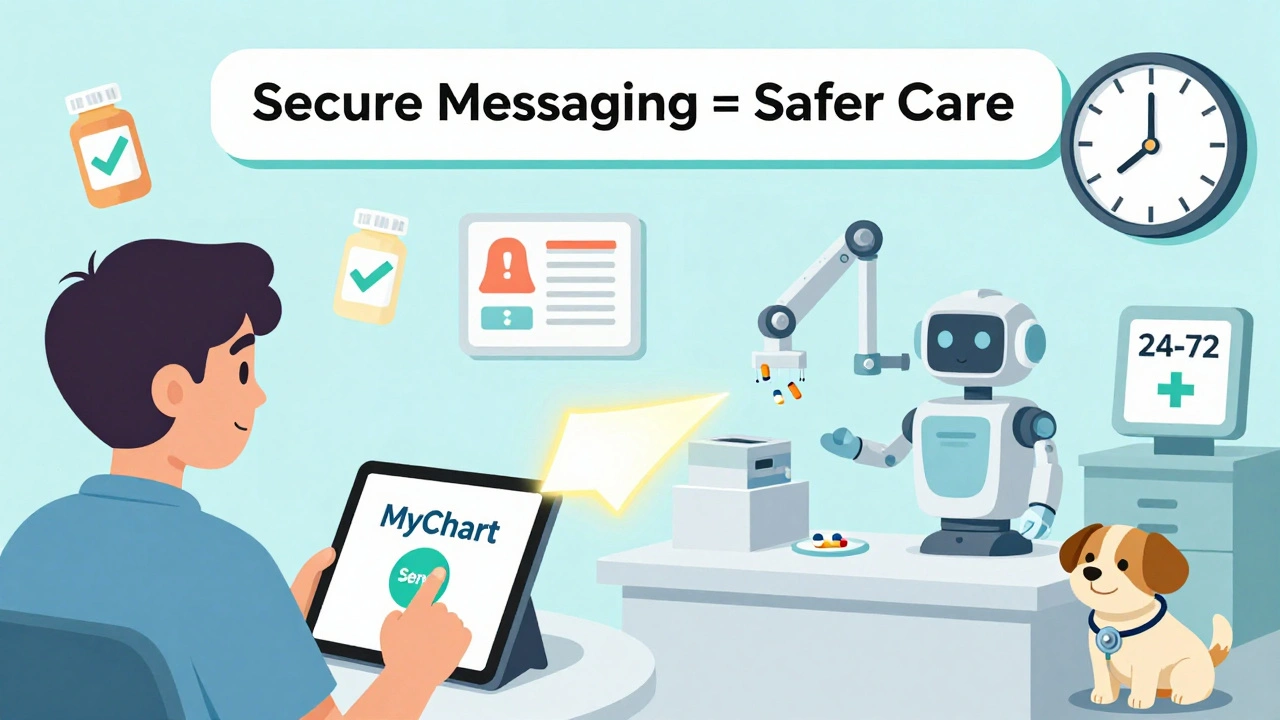
You won’t get an instant reply. That’s normal. Most secure messaging systems aim to respond within 24 to 72 hours. It’s slower than a phone call, but you get a written answer you can refer back to. And patients report 41% higher satisfaction because there’s no confusion later. Your message will be routed based on what you write. If you say "Can I refill my Zoloft?" and select "Medication Renewal," it might go straight to the pharmacy team. If you say "I think this pill is making me sick," it’ll go to your doctor. Some systems even auto-flag urgent-sounding phrases like "can’t breathe" and block submission until you confirm it’s not an emergency. You’ll get a notification in the app-not by email. That’s intentional. Email isn’t secure. The system will alert you when your answer is ready, usually with a push notification on your phone or a badge on the portal.Pro Tips from Real Patients and Providers
Here’s what works:- Use the subject line. Start your message with "MEDICATION QUESTION - NON-URGENT." Veterans Health Administration data shows this reduces misrouting by 44%.
- Include your pharmacy’s NABP number. One Reddit user found that adding this cut their refill wait time by half. It helps the system connect your request to the right pharmacy.
- Check your medication list regularly. If your portal shows a drug you don’t take, update it. Outdated lists cause errors.
- Don’t use WhatsApp, iMessage, or regular text. A 2023 JAMA study found 31% of patients thought these were safe. They’re not. A $3.2 million HIPAA fine was paid last year after staff used WhatsApp to coordinate meds.
- Write the medication name exactly as it appears on the bottle.
- Include the lot number if you’re reporting a reaction. Academic centers now recommend this.
- Don’t say "I think I need more." Say "I ran out three days early because I missed doses. Can we adjust?"
Which Platforms Work Best?
You’re probably using one of these:| Platform | Market Share | Key Strength | Limitation |
|---|---|---|---|
| Epic MyChart | 55% | One-click renewals, integrated with 2,500+ clinics | 76% accuracy on complex regimens |
| Cerner HealtheIntent | 18% | Strong pharmacy integration | Slower response times in rural clinics |
| My HealtheVet | Used by VA | 4.7 million monthly med messages, clear categories | Only for veterans |
| Updox | 12% | Auto-processes 68% of maintenance med renewals | Limited to smaller practices |
| TigerConnect | 8% | 92% accuracy on complex drug interactions | Not widely available to patients |
What’s Changing in 2025?
The rules are getting stricter-and better. The Office of the National Coordinator for Health IT (ONC) now requires all certified platforms to use structured templates for medication questions by December 2025. That means your portal will guide you step-by-step: "Enter drug name," "Select dosage," "Choose reason for message." It reduces mistakes. AI is also stepping in. By 2026, 75% of renewal requests will be auto-filled using your history. You’ll just confirm and send. That could cut processing time by over 60%. And pharmacy integration is growing. Blue Cross Blue Shield and Epic now auto-approve 1.2 million refill requests per month without a doctor even looking at them-for routine meds like blood pressure pills.What If It Doesn’t Work?
Sometimes messages get ignored, misrouted, or flagged as "non-urgent" when you think it’s urgent. Here’s what to do:- If you haven’t heard back in 72 hours, call your clinic’s main line and ask, "Did my secure message about [medication] get received?"
- If you’re told your message was "non-urgent" but you’re worried, say: "I’m concerned about [symptom]. Can you please review it as a priority?"
- If the portal won’t let you send a message, make sure your medications are listed. Most systems block messages if your profile is incomplete.
- If you accidentally sent a med question via email or text, delete it immediately and resend through the portal.
Final Thought: It’s Not Just About Convenience
Secure messaging isn’t just a tech upgrade. It’s a safety tool. It reduces errors. It gives you a paper trail. It helps your care team see the full picture. The next time you’re unsure about your medication, don’t guess. Don’t wait. Use the secure message system. It’s designed for exactly this. And if you’re not sure how? Ask your nurse or pharmacist. They’ve helped thousands of patients do it right.Can I use WhatsApp or iMessage to ask my doctor about my meds?
No. WhatsApp, iMessage, and regular SMS are not secure or HIPAA-compliant. Even if your doctor replies, it’s a violation of federal law. Always use your provider’s official patient portal or app. Sending medication details through unencrypted apps can lead to data breaches and delays in care.
How long does it usually take to get a reply to a medication question?
Most secure messaging systems respond within 24 to 72 hours. This is slower than a phone call, but you get a written answer you can save and refer to later. For urgent issues like severe side effects or allergic reactions, call your clinic or go to the ER-secure messaging is not for emergencies.
What should I include in my secure message about my medication?
Always include: the full medication name (brand and generic if known), dosage, how often you take it, your specific question, and any relevant context like "I started this last week" or "I felt dizzy after eating." If you’re reporting a side effect, attach a photo of the pill bottle. This helps your provider respond accurately and quickly.
Why does my portal ask me to add my medications before I can send a question?
Your provider needs to see your full medication list to give safe advice. If you’re asking about a new drug but your portal doesn’t show your other prescriptions, they might miss a dangerous interaction. Adding your meds cuts errors by 37%. It only takes 2-5 minutes and is required before sending medication messages on most platforms.
Can I get my prescription refilled through secure messaging?
Yes, for most maintenance medications like blood pressure or cholesterol pills. Many systems auto-process these requests without a doctor’s review. Just select "Medication Renewal" when sending your message. For controlled substances or new prescriptions, you’ll still need a provider to approve it. Always check your pharmacy’s app too-some integrate directly with secure messaging for faster refills.




Comments (8)